
A Practical Guide to Using Online Planning Poker Free
Looking for a quick and easy way to run your planning poker sessions online without spending a dime? Most of the best tools are browser-based, meaning you can get a session up and running in less than a minute. No sign-ups, no downloads—just create a room and share a link with your team.
Why Agile Teams Are Ditching Cards for Free Online Planning Poker
If you've ever tried to run a sprint estimation meeting with a remote or hybrid team, you know the struggle. Holding up cards to a webcam or shouting out numbers in a video call just doesn't cut it. It’s clunky, awkward, and often leads to skewed results. This is precisely why so many agile teams are making the switch to free online planning poker tools.
These platforms are built to solve the classic problems that plague estimation sessions. They completely neutralize anchoring bias—that pesky phenomenon where the first number thrown out unconsciously influences everyone else. With simultaneous, hidden voting, each team member submits their estimate privately, ensuring the results reflect genuine, independent thought.
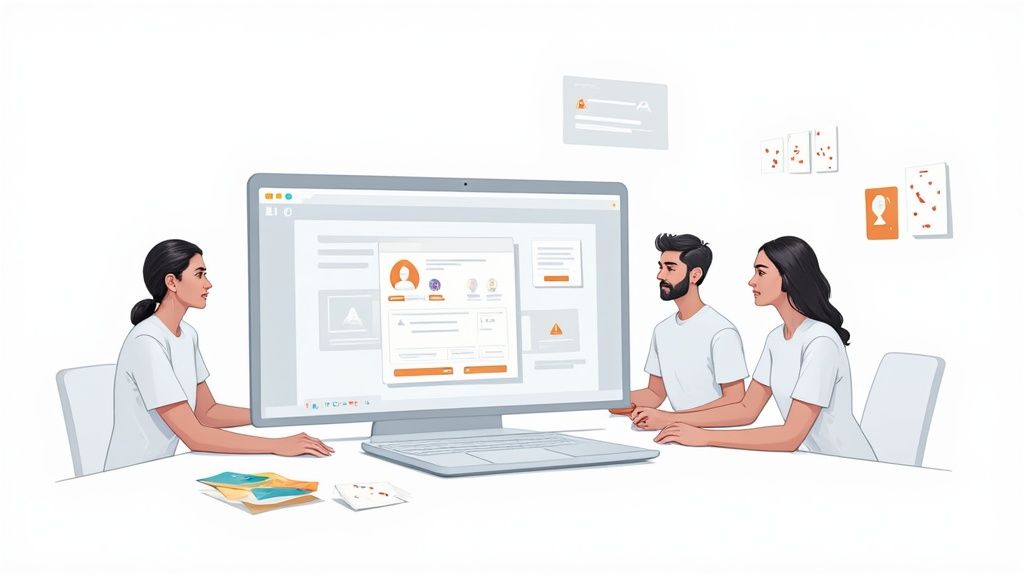
Solving the Remote Collaboration Puzzle
For distributed teams, a solid online planning poker tool is more than just a digital card deck. It becomes the central, synchronized hub for the entire estimation workflow, pulling everyone out of the chaotic juggle of video calls, chat windows, and spreadsheets.
A dedicated tool brings structure and focus, directly tackling common remote work challenges:
- Tuning Out: Let's be honest, it's easy for team members to get distracted on a long call. The interactive and slightly gamified nature of online poker keeps everyone engaged and on task.
- Clumsy Record-Keeping: Who’s taking notes? Is that estimate in the chat or the spreadsheet? Digital tools automatically log every vote and the final consensus, creating a perfect, error-free record of your estimates.
- The Influence Factor: Online tools with anonymous voting create a safe space for everyone to weigh in. The estimate is judged on its merit, not on who it came from.
The real magic is that it levels the playing field. When a junior developer and a senior architect can both submit their true estimates without feeling pressured by hierarchy or groupthink, you start to uncover incredibly valuable insights and hidden assumptions about the work ahead.
Comparing Online vs Traditional Planning Poker
The shift from physical cards to digital platforms is all about gaining efficiency, fairness, and better data. Here’s a quick breakdown of how they stack up.
| Feature | Free Online Planning Poker | Traditional In-Person Poker |
|---|---|---|
| Accessibility | Excellent for remote, hybrid, and co-located teams | Limited to teams in the same physical room |
| Bias Control | Strong; simultaneous, private voting prevents anchoring | Weak; susceptible to anchoring and groupthink |
| Engagement | High, thanks to interactive and real-time interface | Can be high, but depends heavily on the facilitator |
| Data & Tracking | Automatic and accurate; votes and results are logged | Manual, time-consuming, and prone to human error |
| Setup Time | Seconds; just create a room and share a link | Minutes; requires physical cards and a meeting space |
| Cost | Free | Cost of card decks and potential meeting room expenses |
Ultimately, online tools provide a far more transparent and efficient process that feels like a massive upgrade from older, manual methods. You'll likely see improvements in your team's estimation accuracy and collaboration from the very first session.
This transition mirrors broader trends in digital collaboration. The global online poker market, for instance, is booming and projected to hit USD 37.19 billion by 2030, a surge driven by better internet and mobile access. As you can read on PR Newswire, the same technologies making online gaming accessible are empowering agile teams everywhere.
Launching Your First Planning Poker Session
Getting a free online planning poker session up and running is surprisingly simple. Because most tools are browser-based, there's nothing for your team to download or install. You just create a session, grab the unique link, and you're ready to go.
Your first real decision is choosing the right estimation scale—the "deck" of cards your team will use. This choice isn't just a minor detail; it fundamentally shapes the conversation around each story.
- The Fibonacci Sequence (0, 1, 2, 3, 5, 8, 13…): This is the classic for a reason. The gaps between numbers get wider as they go up, which naturally reflects the growing uncertainty in bigger, more complex tasks. It forces the team to really think about whether something is a 5 or an 8, which is a much bigger jump than from a 2 to a 3.
- T-Shirt Sizes (XS, S, M, L, XL): I often recommend this for teams just starting out with story points. It’s incredibly intuitive. An "L" is just bigger than an "M"—it keeps the focus on relative size without getting hung up on what a specific number "means."
Once you’ve picked your deck, it's time to get your user stories in order. Solid, well-understood stories are the foundation of any good estimation session. For a full walkthrough of the game itself, check out our guide on how to play planning poker.
Setting the Stage for Success
Before you even think about sending that calendar invite, take a few minutes to prep the stories. You'll thank yourself later. Make sure every story has a clear title, a description written from the user's perspective, and solid acceptance criteria. This simple step is what keeps an estimation session from derailing into a last-minute requirements-gathering free-for-all.
Now, you can invite the team. Just share the session link along with a quick agenda. I find it helpful to include:
- A direct link to the stories in Jira, Asana, or whatever tool you use.
- A quick reminder that the goal is to estimate effort, not to lock in deadlines.
- The meeting timebox, which is usually somewhere between 30-60 minutes.
The whole point of prepping isn't to answer every possible question upfront. It's to make sure the team spends its time together wisely—discussing complexity and uncovering hidden assumptions, not just trying to figure out what a story is supposed to be about.
This kind of structured, remote-friendly collaboration is becoming the norm everywhere. The massive growth of online poker in new markets actually parallels the rise of these free Agile tools for distributed teams. For example, India's online poker community swelled from 2 million players in 2018 to over 6 million by 2024, a sign of a broader digital shift that makes seamless teamwork possible from anywhere. You can dig into similar trends in digital adoption over at Research and Markets.
Once everyone is in the virtual room, it's time to get to it.
How to Run a Flawless Remote Estimation Session
Running an estimation meeting online is a different beast than getting everyone in a room together. As the facilitator, your main job is to keep the energy up and make sure everyone feels safe enough to give their honest opinion. This is where a good online planning poker free tool really shines—the anonymous voting is a game-changer for getting real, unfiltered estimates without anyone feeling put on the spot.
Before jumping into the first user story, I always like to do a quick reset. Take a minute to explain the goal: we're here to estimate the effort and complexity, not to commit to a deadline. It's a small thing, but it helps get everyone into a collaborative headspace right from the start.
This whole process really boils down to three simple phases.
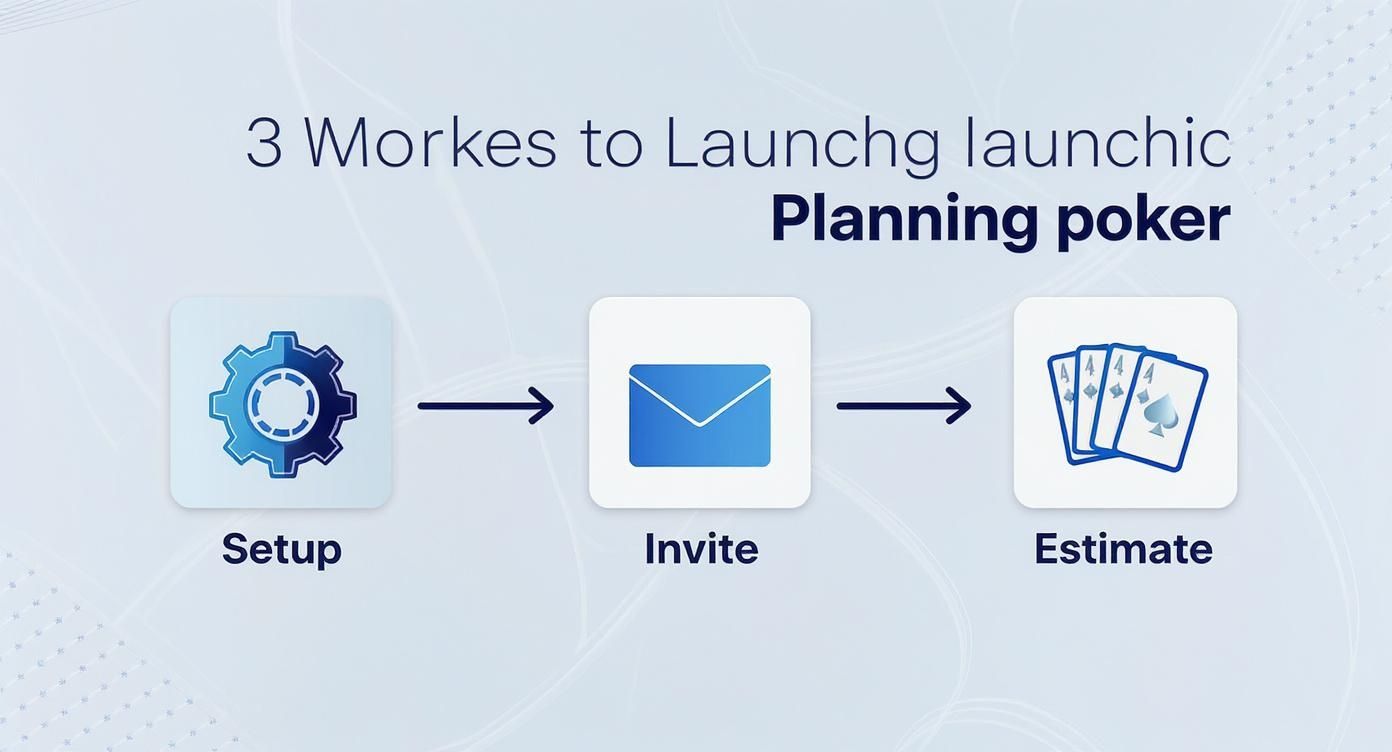
As you can see, it's all about getting from setup to estimating as painlessly as possible.
The Estimation Workflow
Once you present a user story, give the team a beat to read it over silently. Don't rush this part. After a minute or two, open the floor for questions and clarifications. Your language here can make a big difference in guiding the conversation.
Here are a few phrases I keep in my back pocket:
- "Alright team, let's take two minutes to read this over, then we'll open it up for questions."
- "Before we vote, does anyone see any dependencies or hidden complexities we're missing?"
- "Okay, the discussion is winding down. Sounds like we're ready to vote. Let's go in 3, 2, 1..."
This kind of structure keeps the discussion from going off the rails. A built-in timer is your best friend here, especially for those bigger, more complicated stories. It keeps the momentum going and prevents the session from dragging. If you're looking for more tips on running these meetings, we've got a great breakdown in our guide to online scrum poker.
Handling the Vote and Outliers
After everyone votes and the cards are flipped, your real work begins. Your goal is to spark a healthy debate, especially when the numbers are all over the place. The key is to avoid making anyone feel defensive. Don't single people out with a "Jane, why did you vote a 13?"
A much better approach is to say something like: "Interesting, we've got a range here from a 3 to a 13. Can whoever voted on the low end share their thinking? Then we'll hear from the high end."
This subtle shift in wording invites a conversation instead of demanding a justification.
By starting with the lowest and highest estimates, you can quickly uncover the assumptions everyone is making. Maybe the person who voted high knows about a technical dependency no one else considered. Or maybe the low voter sees a simple solution the rest of the team missed. This is where the real magic of planning poker happens. It’s not about the final number—it’s about the shared understanding the team builds to get there. Your role is to guide that discovery and help the team land on a consensus they can all feel good about.
Navigating Disagreements and Building Consensus
https://www.youtube.com/embed/MvOtJNKYLzo
The real magic of any online planning poker free tool isn't when everyone's on the same page. It’s what happens when the votes come in and you see a 3, an 8, and a 21 for the same story. Those big gaps aren't a sign of failure—they're a goldmine.
When your estimates are all over the map, it’s a flashing neon sign that your team is operating on different assumptions. Your job as the facilitator isn't to force a compromise. It's to dig in and find out why the numbers are so far apart. This conversation is where the real work happens. It’s how you uncover hidden risks, forgotten dependencies, and sometimes, a surprisingly simple solution.
The most important thing is to make the discussion feel safe. Don't ever single someone out by asking, "Jen, why did you vote a 21?" That puts people on the defensive and shuts down honest conversation for the rest of the session.
Facilitating the Outlier Conversation
A much better approach is to take the pressure off the individuals and focus on the numbers themselves. I like to open the floor by inviting the folks at the edges of the vote to share their thinking. This gives both the highest and lowest voters a chance to explain their rationale without feeling like they're on trial.
A simple, neutral script can work wonders here:
"Alright team, we've got a pretty wide spread from 3 to 21. That's a good thing—it means there's more to learn here. Can someone who voted on the lower end walk us through what you were thinking? After that, we’ll hear from someone on the higher end."
See the difference? Framing the disagreement as a positive signal for discussion turns a potential confrontation into a collaborative puzzle. It’s no longer about who is "right," but about building a complete picture together.
Think about a common scenario: a senior developer votes a 13 on a user story, while a junior dev confidently slaps down a 3.
- The junior dev might know about a new library that makes the task trivial, something the senior dev hasn't had time to look into.
- On the flip side, the senior dev might be thinking about a nasty legacy integration or a security vulnerability that the junior dev has never encountered.
Without this conversation, that crucial knowledge stays siloed. The discussion that follows the vote is often far more valuable than the final number itself because it builds a deep, shared understanding of the work ahead.
Deciding When to Re-Vote
After the high and low estimators have made their cases, you'll often see the lightbulbs go on around the virtual table. New information has surfaced, assumptions have been corrected, and the team now has a much clearer view. This is the perfect moment to call for a re-vote.
The point of the re-vote isn't to force conformity. It's to check if the new information has helped the team get closer to a consensus. Most of the time, the second round of votes will be much tighter. If you land on one number, or two adjacent ones (like a 5 and an 8), you’re probably good to go.
But you also need to know when to pump the brakes. If you’ve gone through two rounds of discussion and the votes are still miles apart, that’s a huge red flag. It usually means the story itself is too vague or way too big. When that happens, your best move is to:
- Park the story: Put it on hold until the product owner can add more detail or answer the team's questions.
- Split the story: Help the team break the massive, ambiguous task into smaller, more manageable pieces that can be estimated with confidence.
Remember, perfect agreement is not the endgame. The goal is to foster a shared understanding and land on an estimate that the whole team feels is realistic.
Pro Tips for More Accurate and Efficient Estimations
Just using an online planning poker free tool is a great start, but truly mastering estimation is an art. It’s what separates teams just going through the agile motions from those who are genuinely agile. These strategies will help you sharpen your team's accuracy and speed, turning your planning sessions into the effective, high-value meetings they're meant to be.
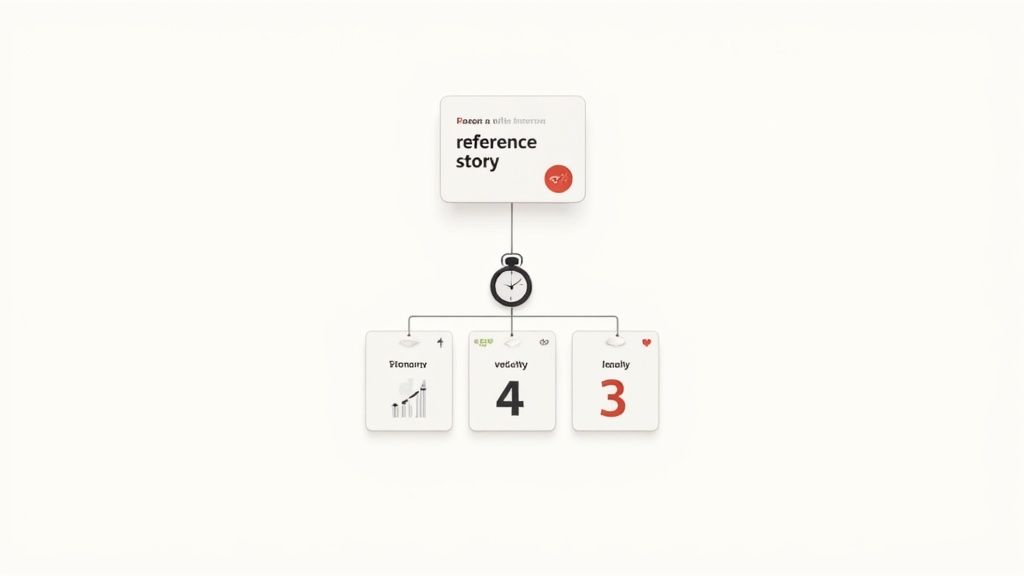
The goal is to move from simply using the tool to mastering the craft of estimation. This involves bringing a few key techniques into your routine to keep everyone grounded and the sessions productive.
Anchor Your Estimates with a Reference Story
One of the single most effective ways to bring consistency to your estimates is by establishing a reference story. Think of it as your team’s North Star for sizing. It's a piece of work everyone knows inside and out, one that the team collectively agrees is a textbook example of a certain story point value—say, a "5" or an "8."
Before kicking off a new session, you can just bring it up. "Alright team, remember the 'User Profile Picture Upload' story? We all agreed that was our benchmark 5. How does this new story feel compared to that one—more complex, or less?" This simple question instantly grounds the entire conversation in a shared reality and helps prevent "point inflation," where the meaning of a story point slowly drifts over time.
This technique is a game-changer for:
- Onboarding new team members who don't have that shared estimation history.
- Keeping estimates consistent from one sprint to the next.
- Providing a solid starting point for tackling unfamiliar or abstract user stories.
The best reference stories usually involve a little bit of everything—front-end, back-end, and testing—so they’re relatable for the entire team.
Time-Box Discussions to Avoid Rabbit Holes
Good discussion is the heart of planning poker, but it's easy to get derailed. If a story kicks off a 20-minute debate, that’s usually a red flag. It’s a sign the story is probably too vague or complex to estimate accurately right now.
Get a timer involved. After the first round of votes, give the team a fixed amount of time—maybe three to five minutes—for discussion. If you can't get closer to a consensus in that window, it’s often better to just pause. Table the story, assign someone to get the needed clarifications, and bring it back next time.
This isn't about shutting down important conversations. It's about recognizing the moment a productive estimation talk turns into an unplanned design session. Sticking to a time-box keeps the meeting's energy high and its focus sharp.
Combat Estimation Fatigue
Let's be honest: long estimation meetings are exhausting. An hour in, and "estimation fatigue" starts to creep in. People get tired, votes get rushed, and the discussions become less thoughtful. The estimates you produce at the end of a 90-minute marathon session are almost guaranteed to be lower quality than the ones from the beginning.
Keep your sessions short and punchy, ideally under 60 minutes. If you have a huge backlog to estimate, you’re far better off scheduling two shorter sessions during the week than cramming it all into one epic meeting. This ensures your team stays engaged and their estimates stay reliable.
Got Questions About Online Planning Poker?
Even the best tools can feel a bit new at first. When teams make the jump to an online planning poker free platform, a few questions always seem to pop up. Let's tackle them head-on so your team can start estimating with confidence.
One of the first hurdles teams often face is the "giant story" problem. What do you do when a user story is just too big to wrap your heads around? You'll know it when you see it—the votes all come in at the top of the scale, maybe 40s and 100s, or everyone picks XL.
This isn't a failure. It's actually a win. Your team has successfully identified an epic masquerading as a story. The right move here is to stop, take a breath, and pull that item out of the estimation queue for now. Your job as a facilitator is to guide the team to break it down into smaller, more manageable pieces that can actually be estimated accurately.
What If My Team is New to Story Points?
It’s a classic scenario: your team is new to Agile, and the whole concept of story points feels like a foreign language. This is the perfect time to ditch the numbers altogether.
Instead of a Fibonacci deck, switch to T-shirt sizes (XS, S, M, L, XL). It’s instantly more intuitive.
- It forces relative sizing. The conversation immediately shifts from the abstract "What does a 5 mean?" to the concrete "Is this new story bigger or smaller than the one we just discussed?"
- It builds a shared baseline. The first few sessions are all about learning. Your team will quickly develop a collective understanding of what a "Medium" story feels like for them.
The goal is consistency, not perfection. If a "Large" story in this sprint represents a similar amount of effort as a "Large" story in the next sprint, you're doing it right. Many of the best online planning poker tools come with multiple deck options precisely to help teams through this learning phase.
Can We Estimate More Than Just User Stories?
Absolutely. This is another question that comes up all the time. Can you use planning poker for things like bugs or technical debt? Yes, you can and you should.
The real power of planning poker is in estimating relative effort, complexity, and uncertainty—not just clock time. This makes it a fantastic tool for sizing just about any work item that finds its way into your backlog.
Think about it. You can easily use it to estimate:
- Bug Fixes: How much effort will it take to investigate the root cause, write the code, and test the fix?
- Technical Debt: What's the complexity of refactoring that messy old module?
- Research Spikes: How much effort should we dedicate to exploring a new technology, even if the outcome is unknown?
Using the same estimation technique for everything helps your team create a consistent, predictable sprint backlog, which is a massive step toward better planning and delivery.
Ready to run your own seamless estimation sessions? Scrum Planning Poker offers a fast, free, and intuitive platform to get your team aligned. Create a session in seconds at https://onlineplanningpoker.com.